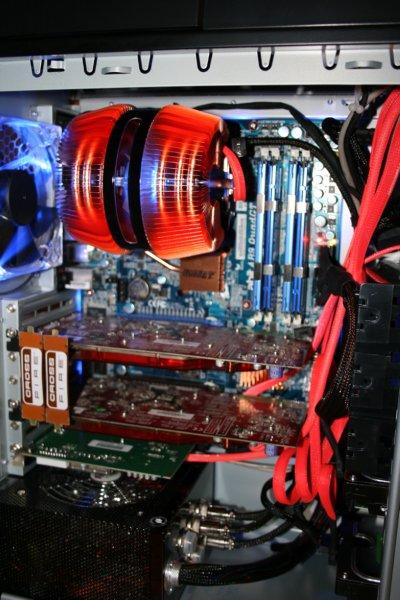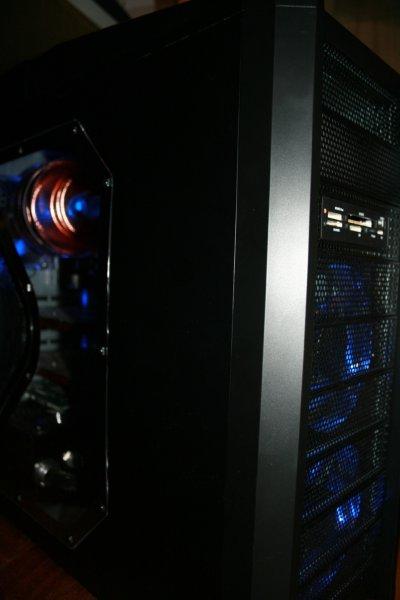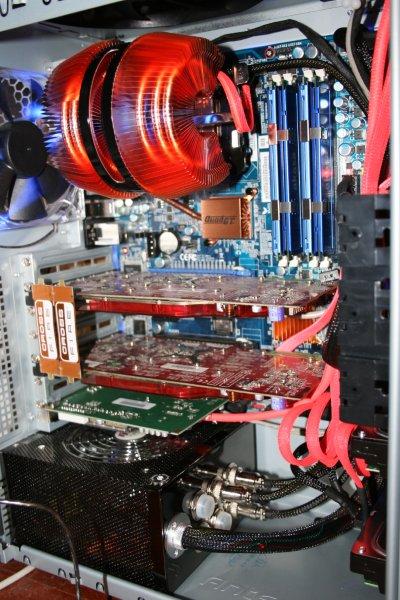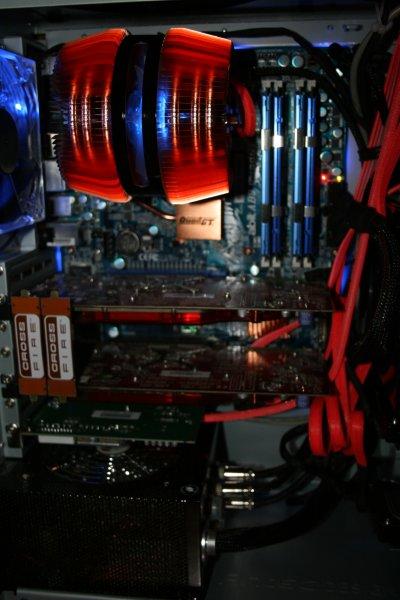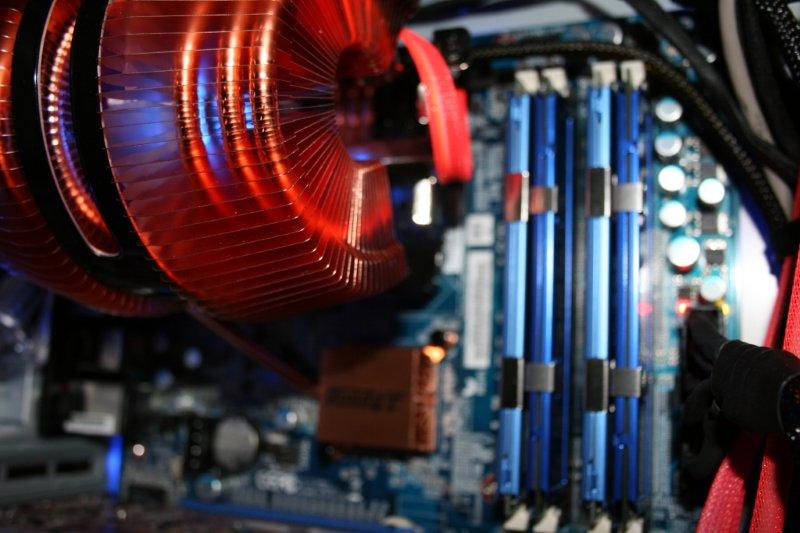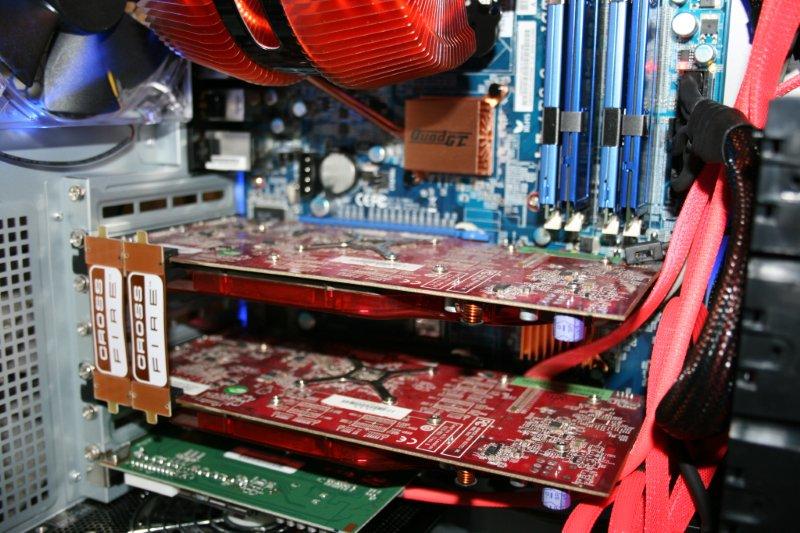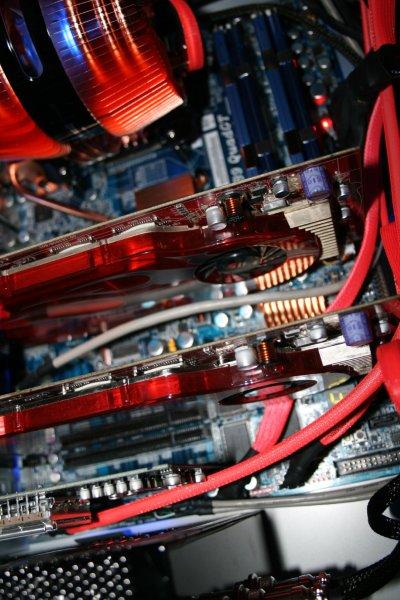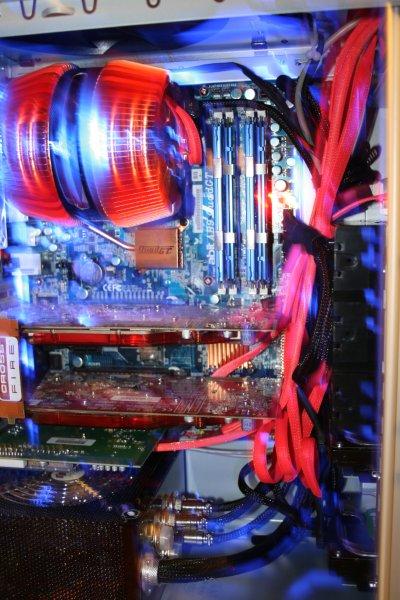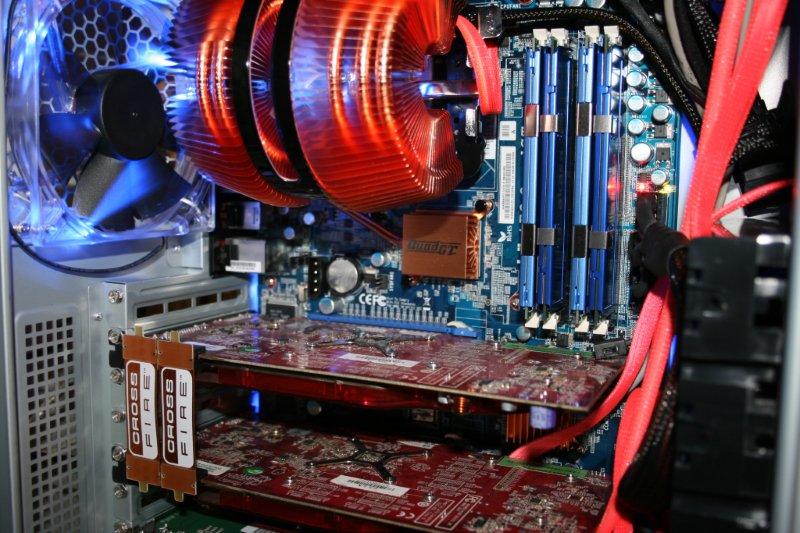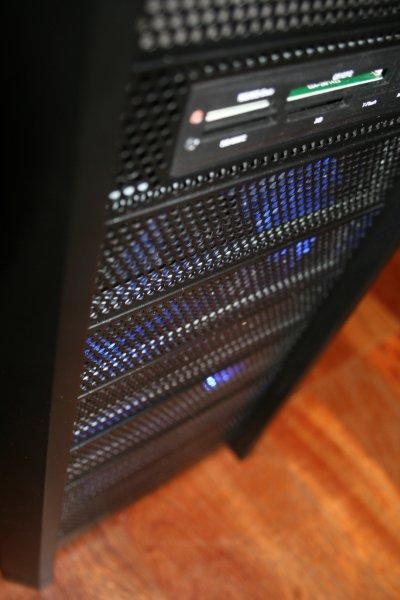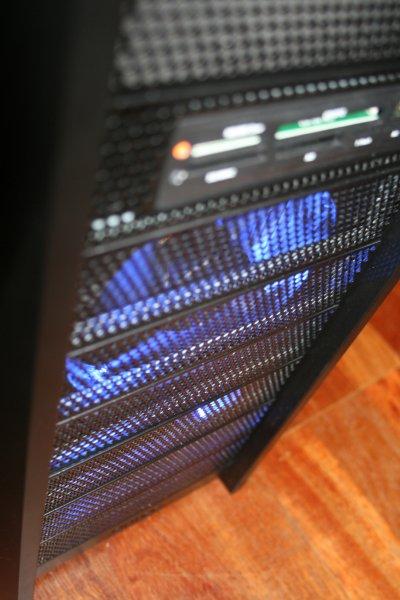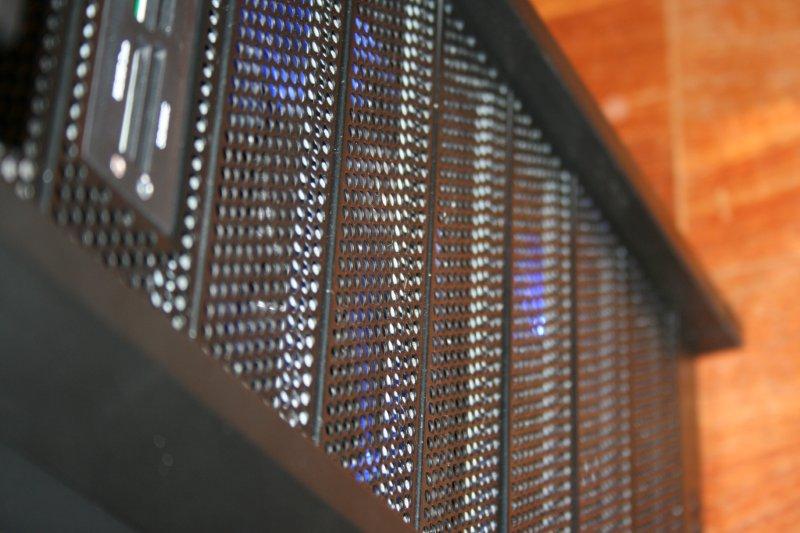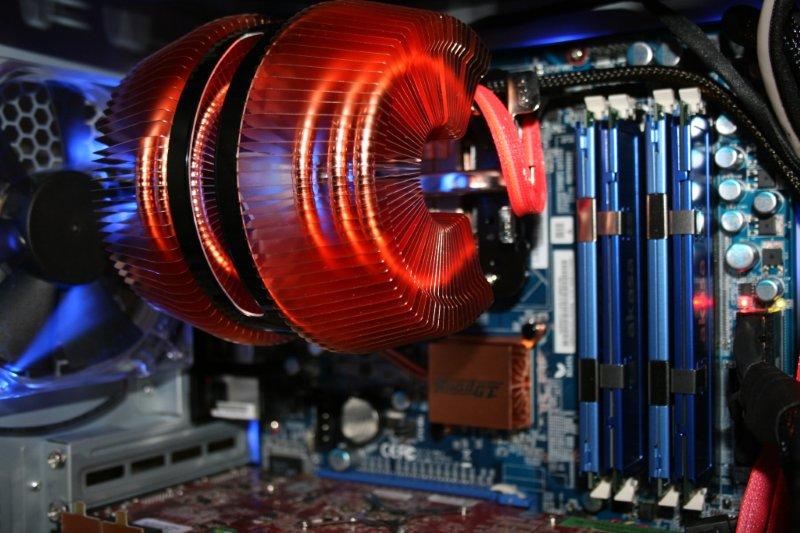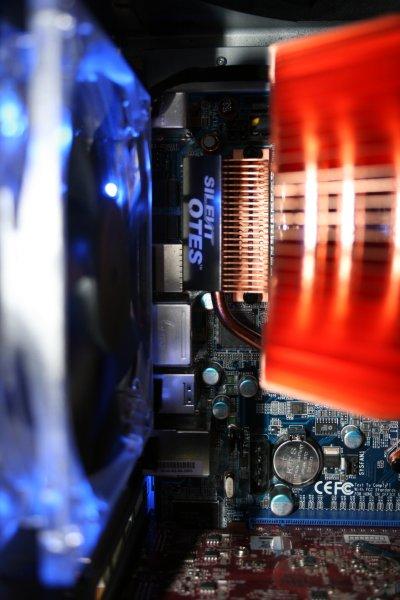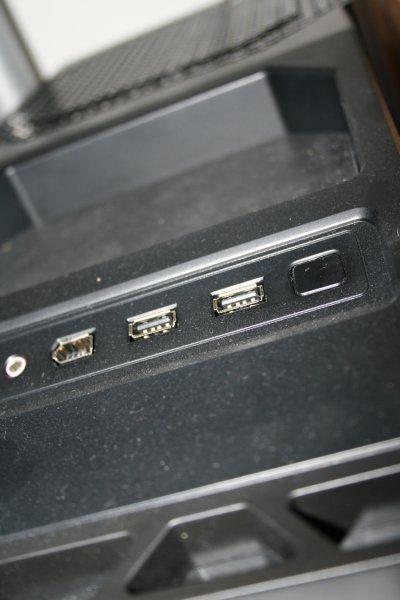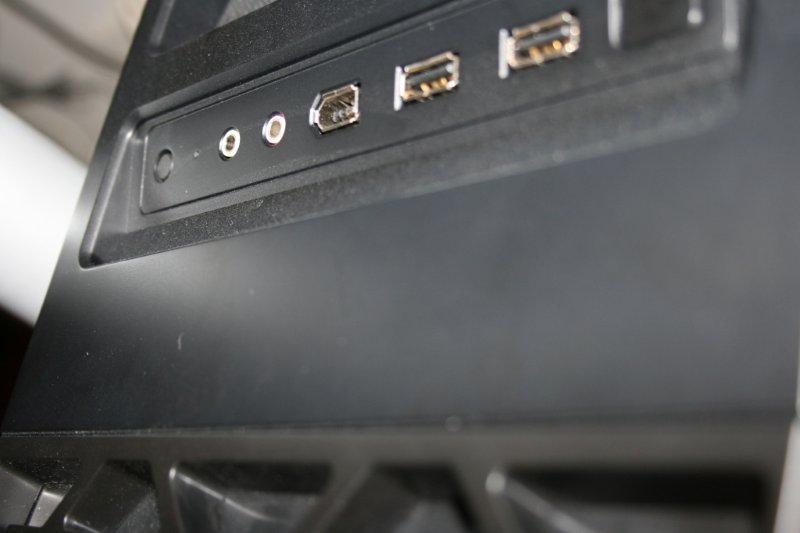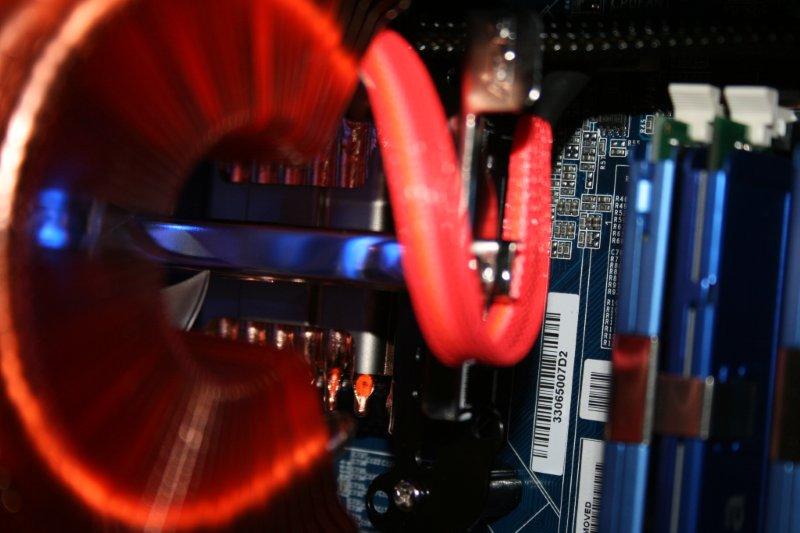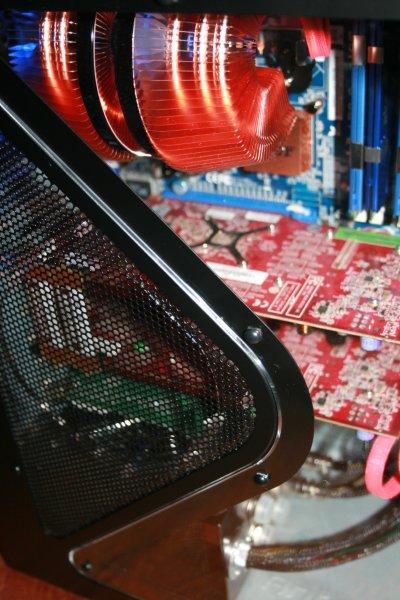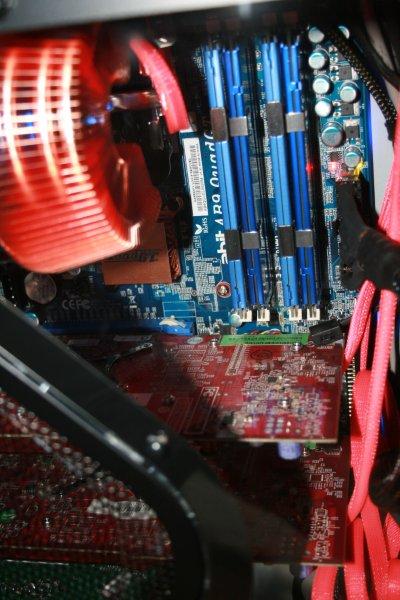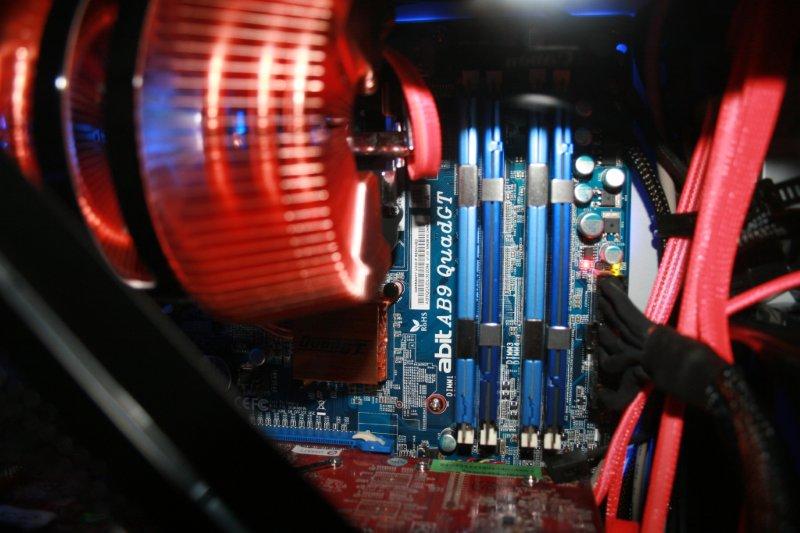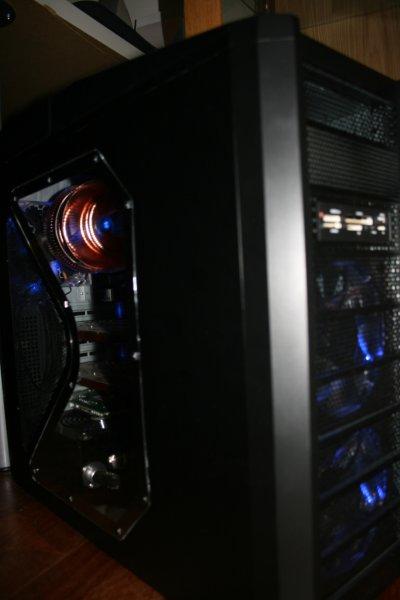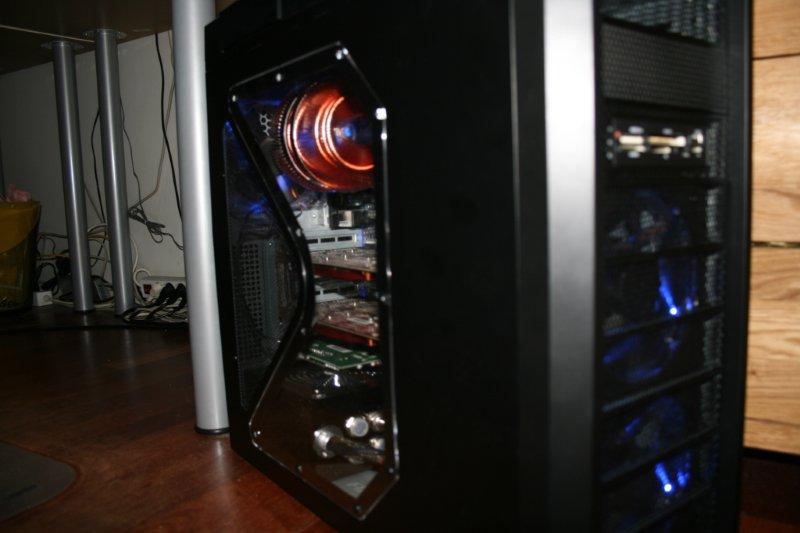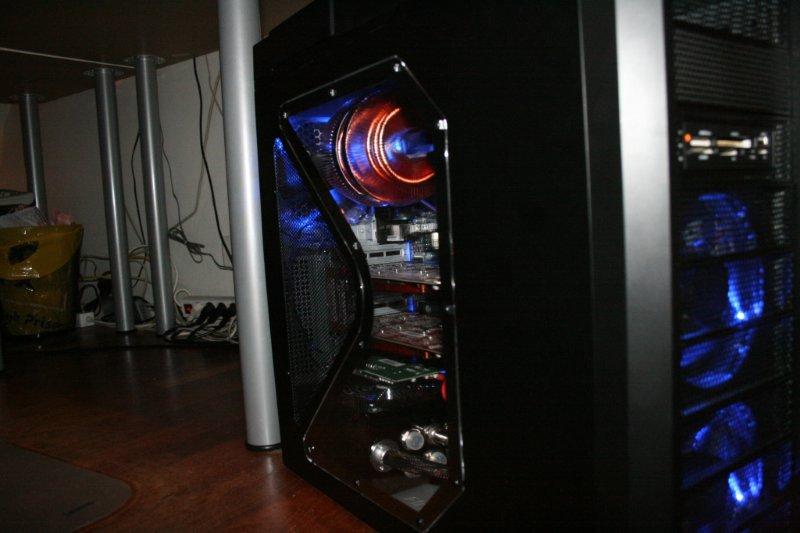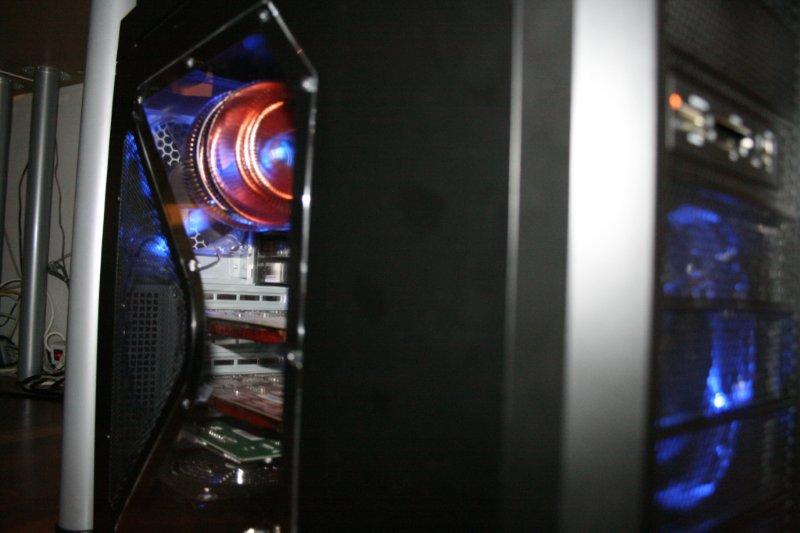
Building a performance‑focused PC in the late 2000s meant combining hardware that delivered speed, stability, and personality. This build centers around the Antec Twelve Hundred, one of the most iconic airflow‑focused gaming cases of its era, paired with the ABIT AB9 QuadGT, a motherboard known for its strong overclocking features and enthusiast‑friendly layout. Completing the setup is a dual AMD Radeon HD 3850 CrossFire configuration, a solution that represented excellent value and impressive performance for mid‑to‑high‑end gaming at the time.
“Buying a PC gives you hardware. Building one gives you a connection to every part inside it every choice, every detail, every moment spent making it your own.”
This worklog documents the full assembly process from planning to GPU installation and cable management capturing the hands‑on experience that defined PC building in the 2006–2009 era.
Parts List (Late‑2000s Enthusiast Build)
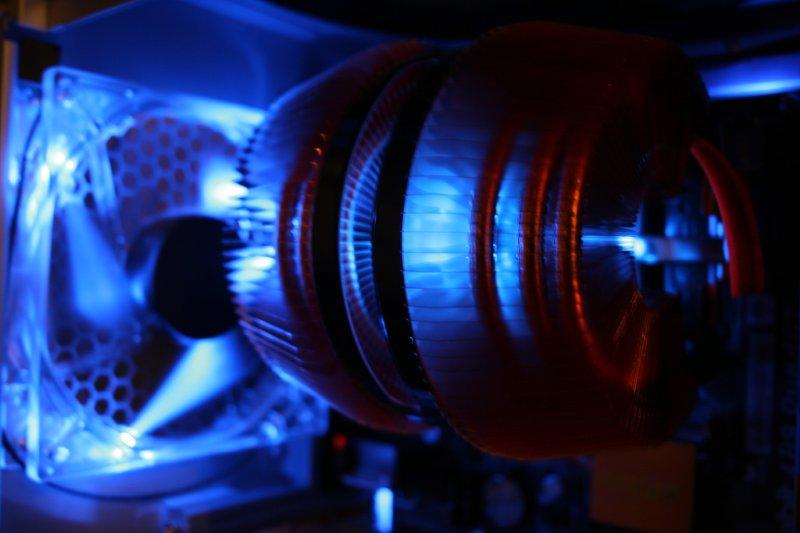
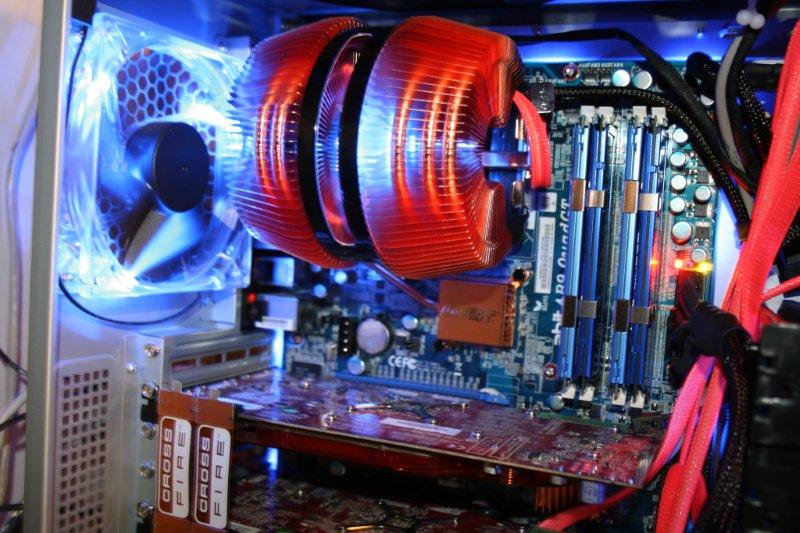
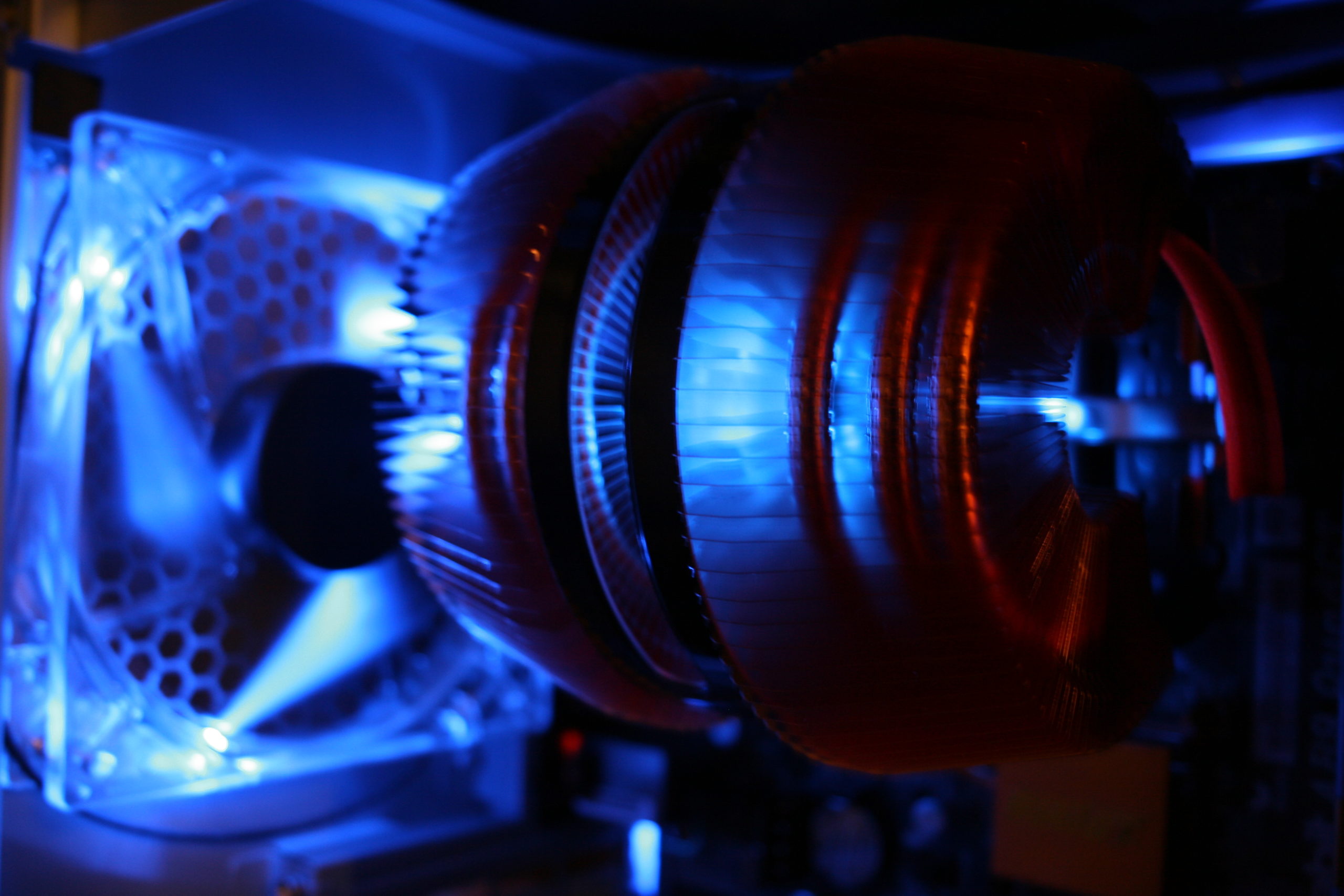
Cooling — Air Cooling The Twelve Hundred’s airflow makes it ideal for high‑performance air‑cooled builds.
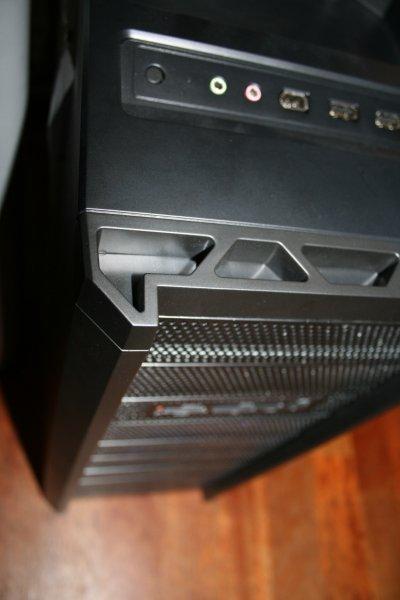
Case — Antec Twelve Hundred A full‑tower chassis famous for its massive airflow, six 120 mm fans, and large 200 mm top exhaust. Built for gamers and overclockers.
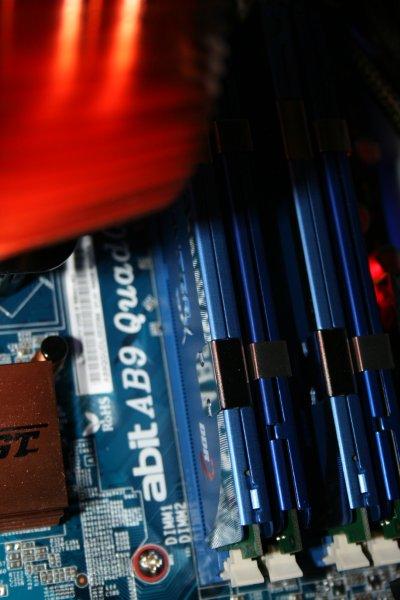
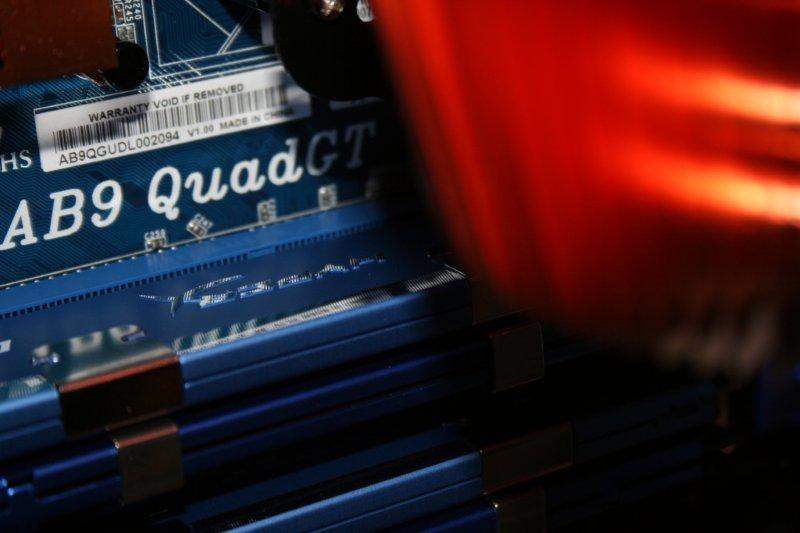
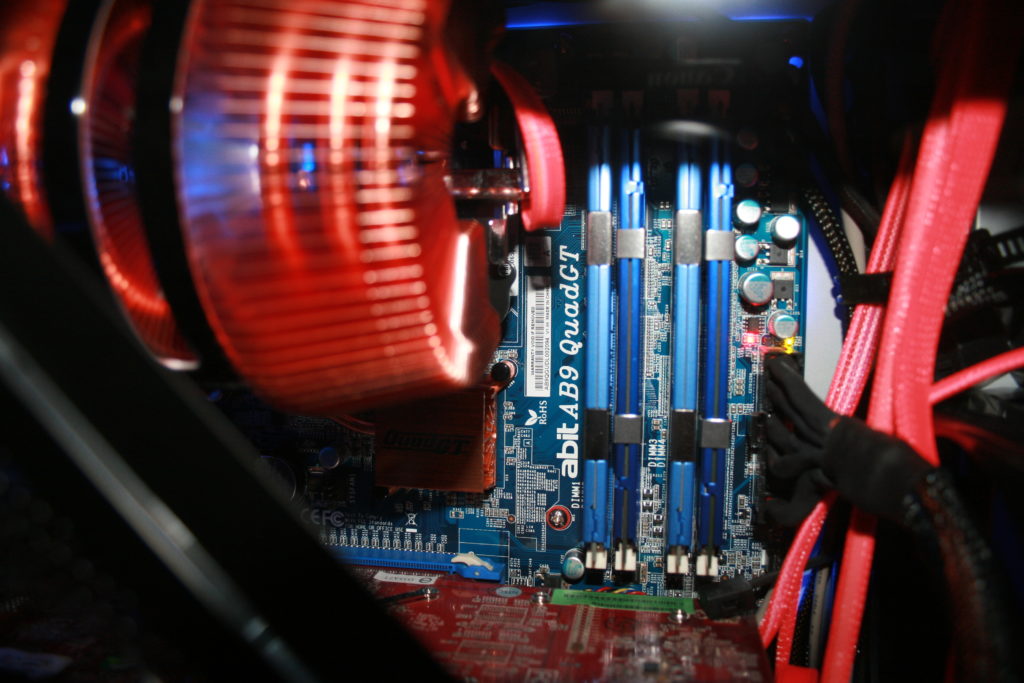
Motherboard — ABIT AB9 QuadGT (Intel P965) A performance‑oriented LGA775 board with strong voltage control, solid power delivery, and ABIT’s signature uGuru features.
Graphics — 2× AMD Radeon HD 3850 (CrossFire) A balanced dual‑GPU setup offering excellent performance per watt and strong scaling in many DirectX 9/10 titles.
CPU — Intel Core 2 Duo or Core 2 Quad Ideal pairing for the AB9 QuadGT, offering strong overclocking headroom and efficient performance.
Memory — DDR2 Performance Kit Typically 4–8 GB of high‑frequency DDR2.
Storage — HDD or Early SSD Mechanical drives dominated the era, though early SSDs were beginning to appear.
Power Supply — High‑Wattage Modular Unit Necessary for powering two GPUs and an overclocked LGA775 CPU.
Planning the Build
The Antec Twelve Hundred is designed around airflow and cooling performance. Its open interior and multiple fan mounts make it ideal for multi‑GPU setups, but it still benefits from thoughtful planning.
Key goals for this build:
- Maximize airflow using the case’s six‑fan layout
- Achieve clean cable routing despite the case’s pre‑modern cable‑management design
- Ensure GPU cooling for the dual HD 3850 CrossFire setup
- Maintain stability with the AB9 QuadGT’s overclocking features
Preparing the Case
The Twelve Hundred’s interior is spacious, but preparation helps streamline the build:
- Remove both side panels and the front drive cages.
- Clean the interior and check all standoff positions.
- Pre‑route fan cables to the rear of the case.
- Decide which drive cage to use to avoid blocking GPU airflow.
The case’s large interior makes it easy to work in, but cable routing requires planning due to limited cutouts.
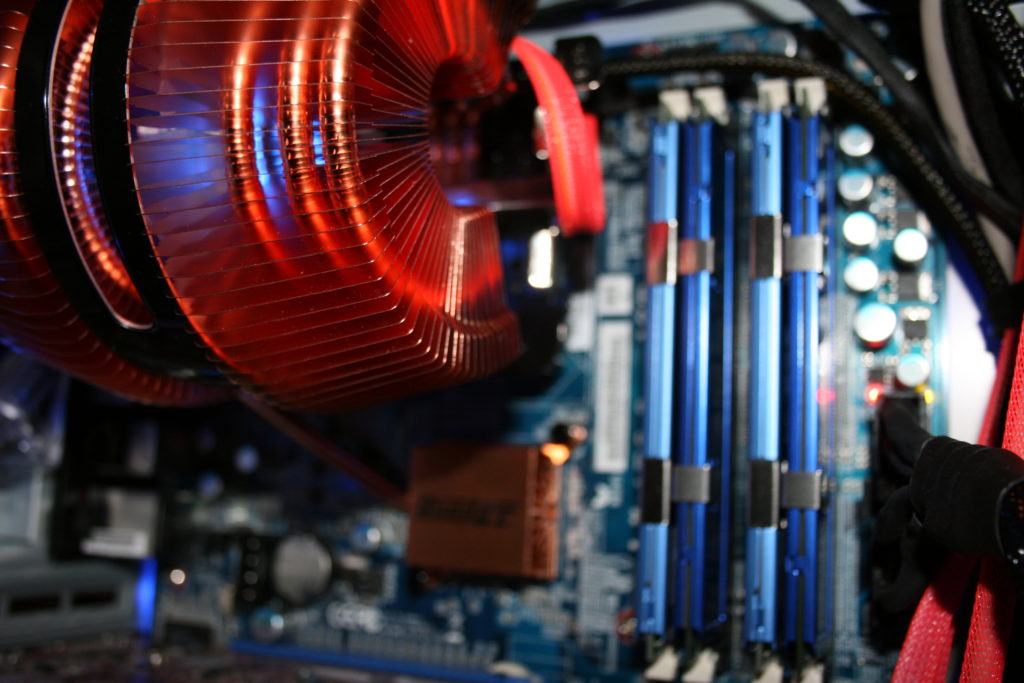
Motherboard Assembly
With the AB9 QuadGT outside the case:
- Install the CPU into the LGA775 socket.
- Apply thermal paste and mount the cooler.
- Insert the DDR2 memory kit.
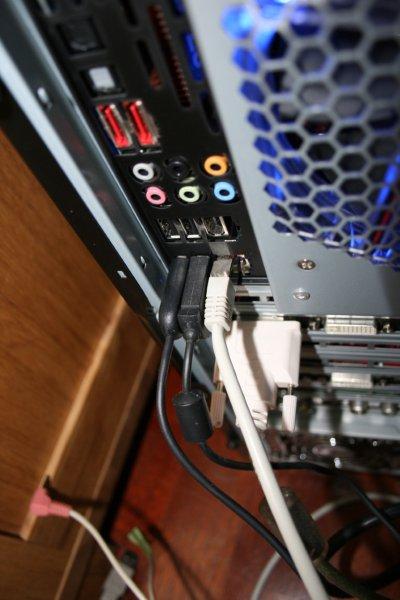
- Connect CPU fan and any rear‑facing headers.
Once complete, mount the motherboard into the Twelve Hundred’s main chamber.
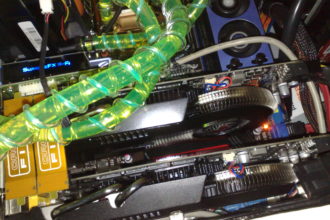
Installing the GPUs (Dual AMD Radeon HD 3850 CrossFire)
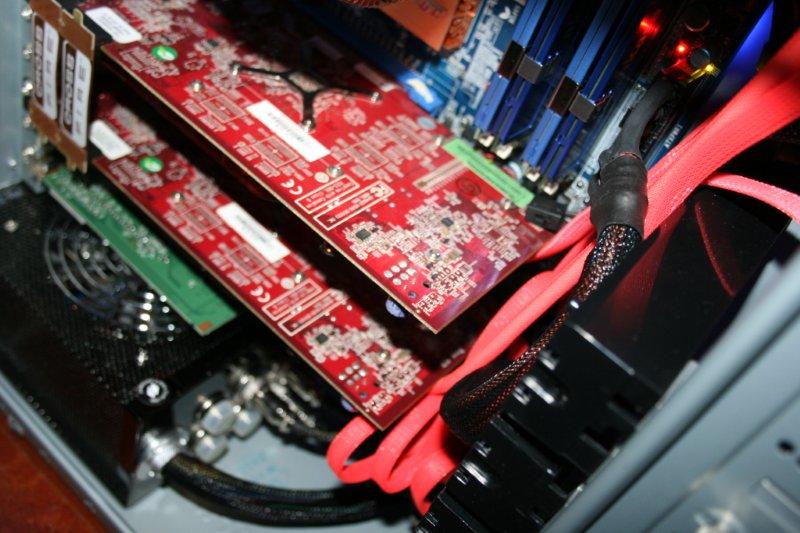
The HD 3850 is a compact card by modern standards, and the Twelve Hundred’s spacious interior makes installation straightforward.
Slot Selection
Use the first and second PCIe x16 slots on the AB9 QuadGT to ensure:
- Proper CrossFire support
- Adequate spacing for airflow
- Clean routing for PCIe power cables
Securing the Cards
- Align each card with its slot and press firmly until the retention clip locks.
- Secure the rear brackets with screws.
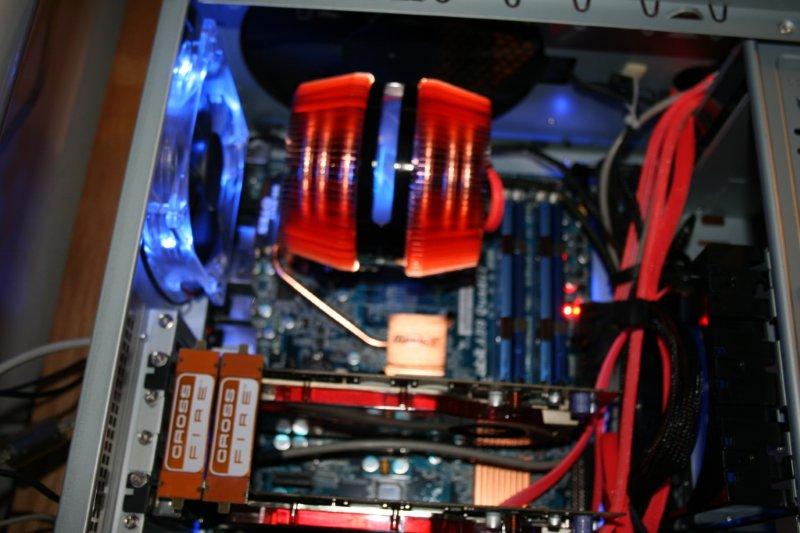
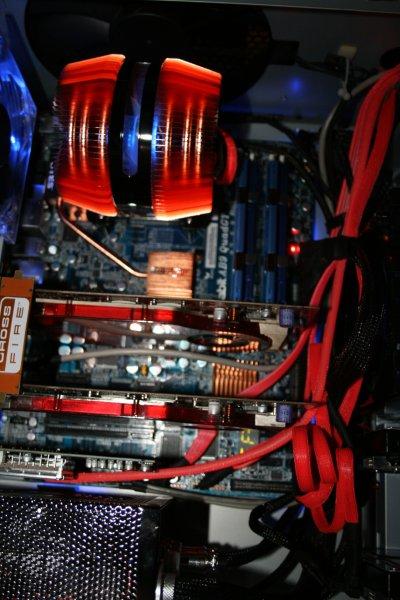
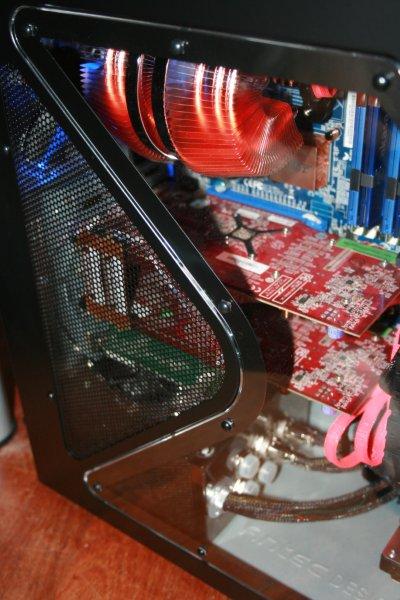
- Attach the CrossFire bridge on top of the cards.
The Twelve Hundred’s open interior ensures excellent airflow around both GPUs.justo, varius non ornare sed, consequat eget lacus.
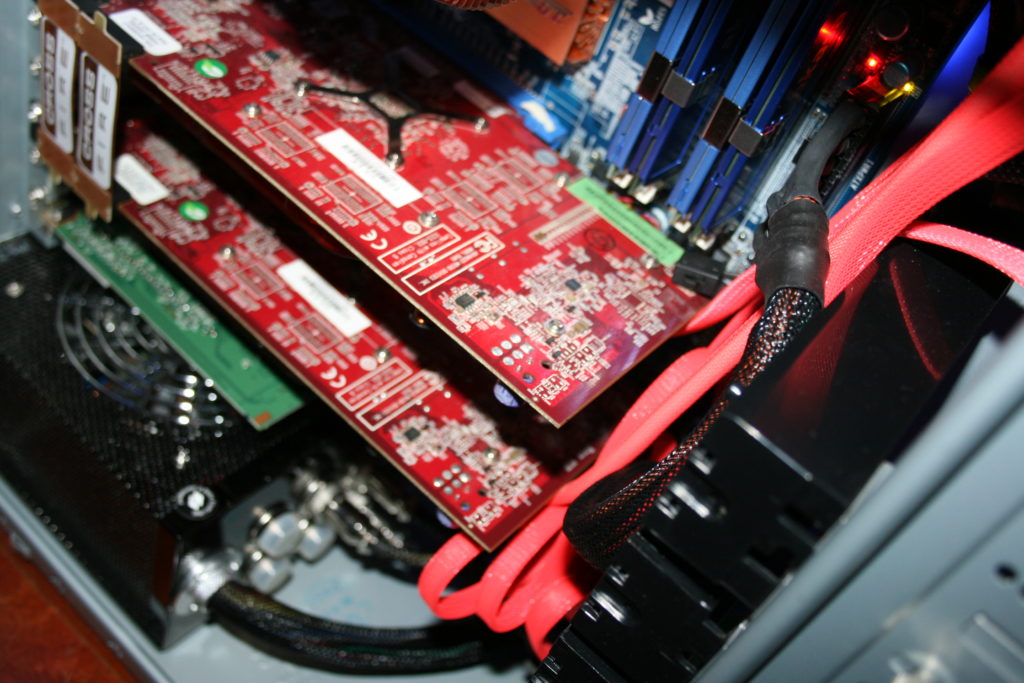
Cable Management in the Antec Twelve Hundred
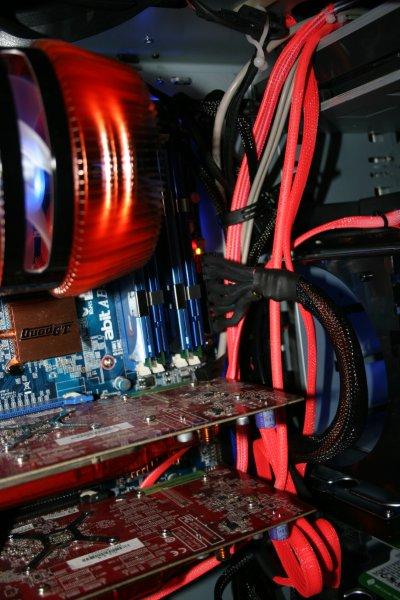
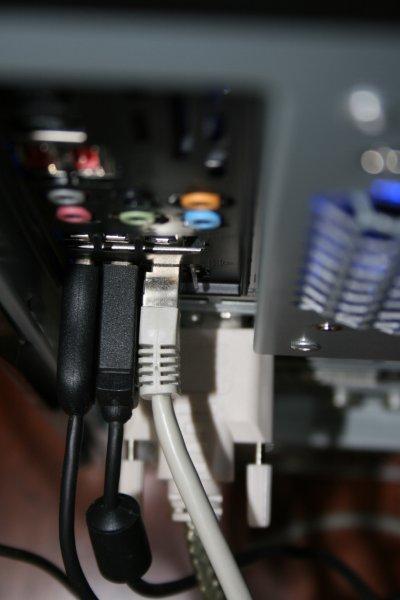
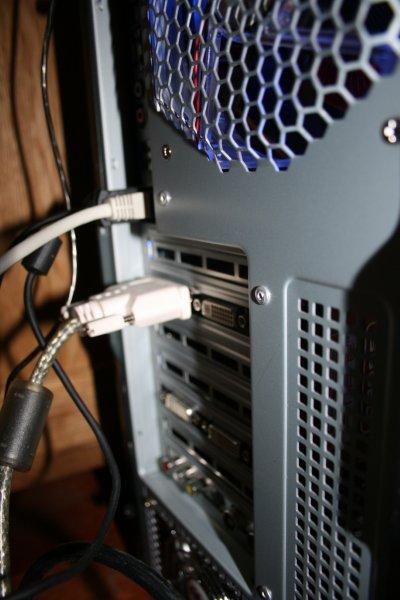
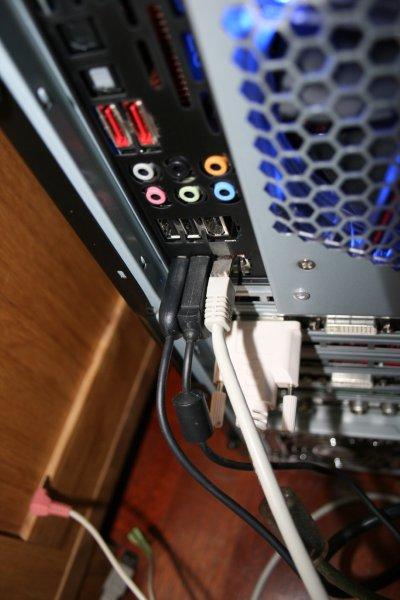
Cable management is where the Twelve Hundred shows its age. It predates modern routing grommets, but its large interior and drive cages offer plenty of hiding spots.
Power Cable Routing
Each HD 3850 requires a single 6‑pin PCIe connector. For a clean look:
- Route PCIe cables behind the drive cages.
- Bring them up through the lower openings near the motherboard.
- Use zip ties to keep cables tight against the frame.
The case’s depth helps hide excess cable length.
Motherboard and Front‑Panel Cables
- Run the 24‑pin ATX cable along the right side of the tray.
- Route the 8‑pin EPS cable up the rear corner; extensions help if the PSU cables are short.
- Bundle SATA and front‑panel cables and tie them to the drive cage rails.
Airflow Considerations
The Twelve Hundred’s airflow is one of its biggest strengths:
- Keep the GPU area clear of cable clutter.
- Ensure the front intake fans have unobstructed paths.
- Use the top 200 mm exhaust to pull heat away from the CPU and GPUs.
This setup ensures stable temperatures even under CrossFire load.